
FEDTERM MANUAL - CHANGING FEDTERM'S LOOK
CHANGING THE BACKGROUND COLOR
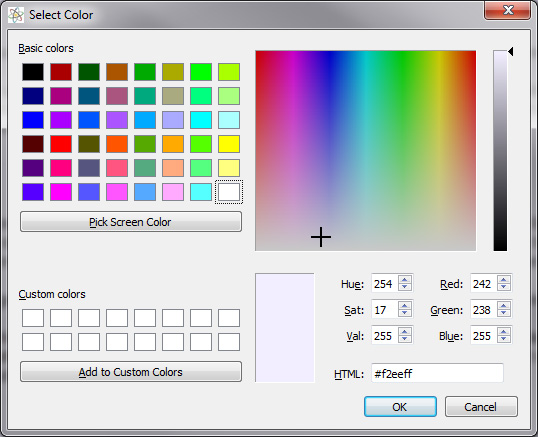
You can change the color of FedTerm's background screen, by selecting the 'Background Color...' item from the 'Options' menu. This brings up a grid with the standard Windows colors. Click on the color you want. You can also define your own custom color if you are in the mood to get really creative. Then click on the 'OK' button, or 'Cancel' if you change your mind. FedTerm will ask you if you want to save the color for future sessions, or just use it for the current one.
Next page in Changing FedTerm section
Previous page in Changing FedTerm section
